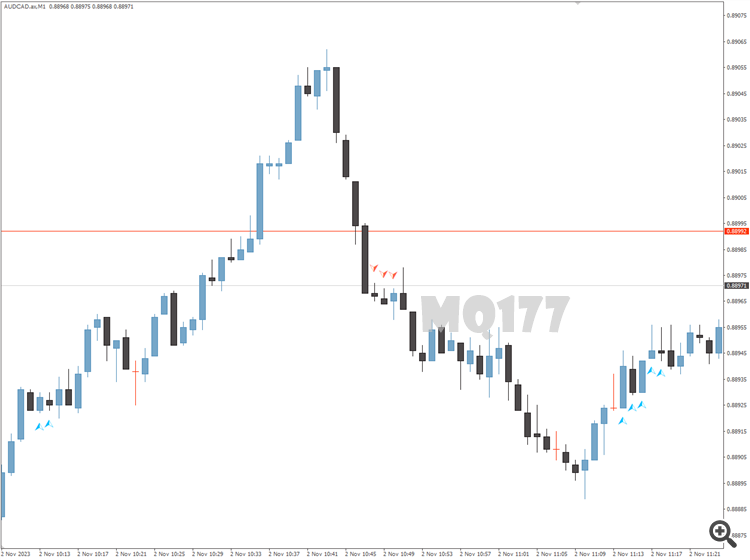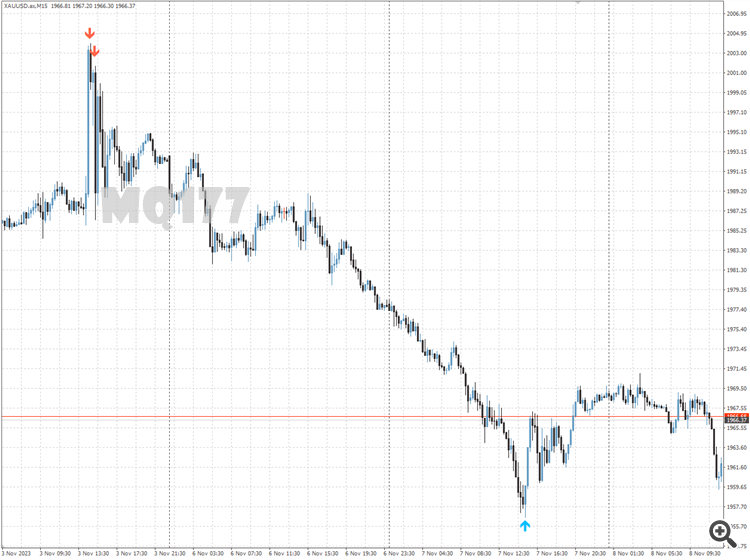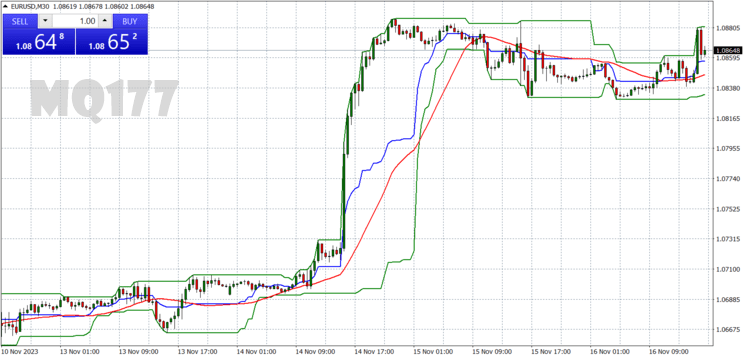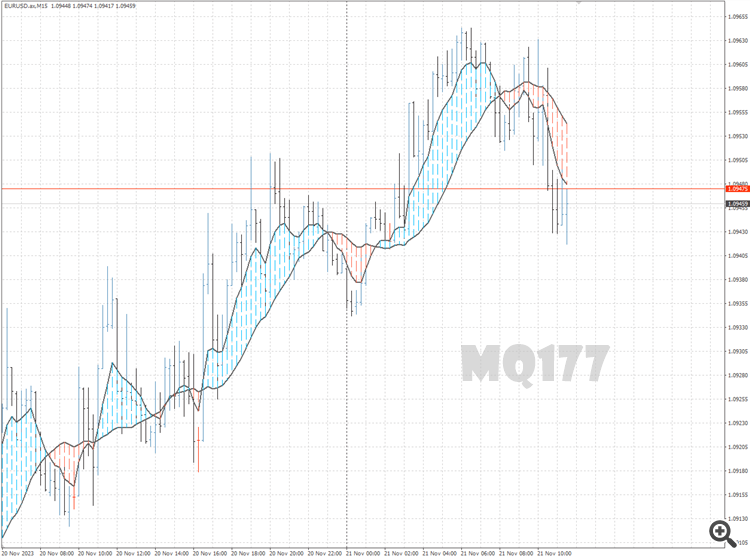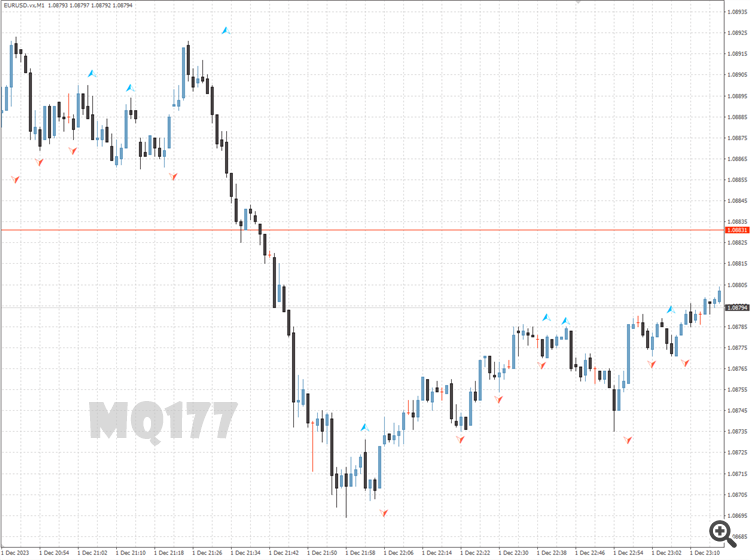
 FortiFx Master CL MT4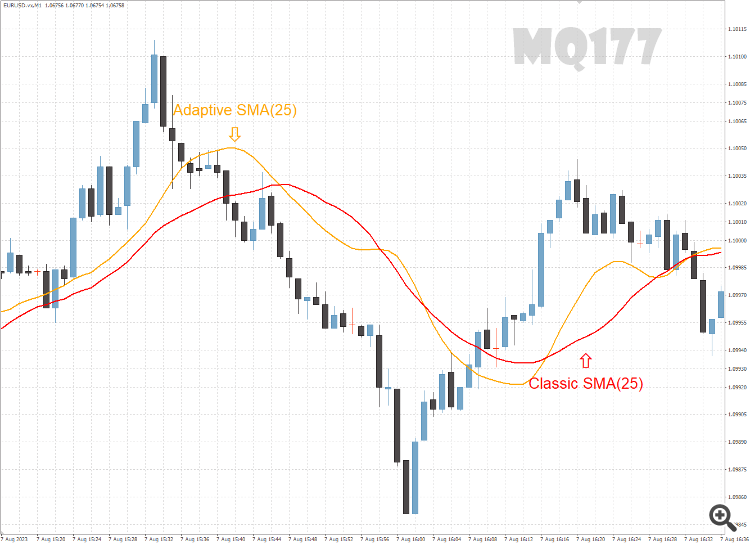
based on: https://www.mql5.com/en/code/30844 (author: https://www.mql5.com/en/users/mladen)
How to Install the Adaptive SMA Indicator in MetaTrader 4
- Unzip the downloaded Adaptive SMA Indicator file.
- Open MetaTrader 4, go to the “File” menu, and select “Open Data Folder”.
- Navigate to the MQL4 folder, then open the Indicators folder.
- Paste the unzipped Adaptive SMA Indicator files into the Indicators folder.
- Restart MetaTrader 4 or refresh the indicators list by right-clicking in the “Navigator” window and selecting “Refresh”.
- In MetaTrader 4, open the “Navigator” window (Ctrl+N) and find the Adaptive SMA Indicator under the “Indicators” section.
- Drag and drop the Adaptive SMA Indicator onto the chart of your choice.
- Adjust the indicator settings as needed and click “OK” to apply it to the chart.