 BREAKOUT CHINESE EA MT4
  PythonX – EURUSD M1 Hybrid Breakout EA MT5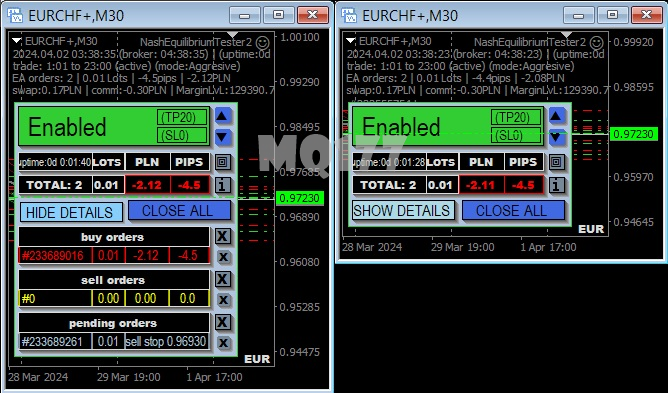
You can simply add function void OnChartEvent(…) to your indicator
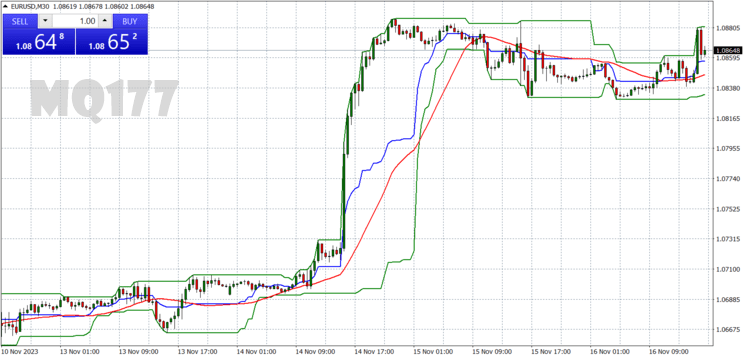
the screens are from EA and its GUI, indicator only changes window size
before compilation you need uncomment few lines //external dll prohibited 🙁
How to Install the Resize chart window from indicator (for Short Trend Reversal) Indicator in MetaTrader 4
- Unzip the downloaded Resize chart window from indicator (for Short Trend Reversal) Indicator file.
- Open MetaTrader 4, go to the “File” menu, and select “Open Data Folder”.
- Navigate to the MQL4 folder, then open the Indicators folder.
- Paste the unzipped Resize chart window from indicator (for Short Trend Reversal) Indicator files into the Indicators folder.
- Restart MetaTrader 4 or refresh the indicators list by right-clicking in the “Navigator” window and selecting “Refresh”.
- In MetaTrader 4, open the “Navigator” window (Ctrl+N) and find the Resize chart window from indicator (for Short Trend Reversal) Indicator under the “Indicators” section.
- Drag and drop the Resize chart window from indicator (for Short Trend Reversal) Indicator onto the chart of your choice.
- Adjust the indicator settings as needed and click “OK” to apply it to the chart.