 AI Forex Robot v5.2 MT4AI Forex Robot v5.2 MT4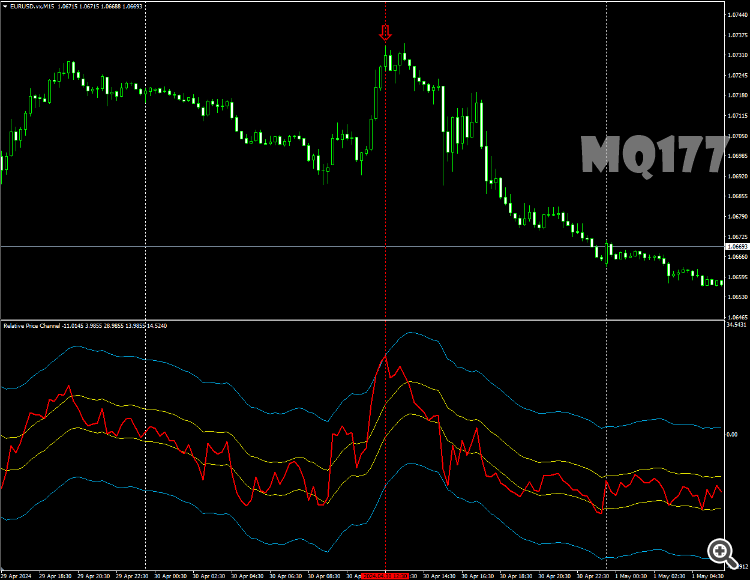
This indicator promote new way of analyses signals from standard indicator named RSI.
Main feature of RSI is level crossing signals. Usually 30 and 70.
But it’s bad relative to real market state. That’s why i added dynamic levels for this indicator.
By this way, signals efficiency become more powerful

How to Install the RSI with channels Indicator in MetaTrader 4
- Unzip the downloaded RSI with channels Indicator file.
- Open MetaTrader 4, go to the “File” menu, and select “Open Data Folder”.
- Navigate to the MQL4 folder, then open the Indicators folder.
- Paste the unzipped RSI with channels Indicator files into the Indicators folder.
- Restart MetaTrader 4 or refresh the indicators list by right-clicking in the “Navigator” window and selecting “Refresh”.
- In MetaTrader 4, open the “Navigator” window (Ctrl+N) and find the RSI with channels Indicator under the “Indicators” section.
- Drag and drop the RSI with channels Indicator onto the chart of your choice.
- Adjust the indicator settings as needed and click “OK” to apply it to the chart.