 VELOX SCALPER v4.7 MT5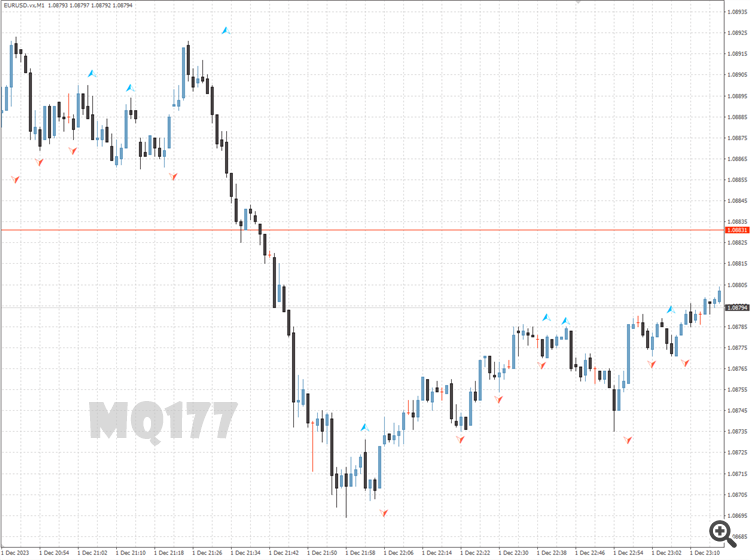
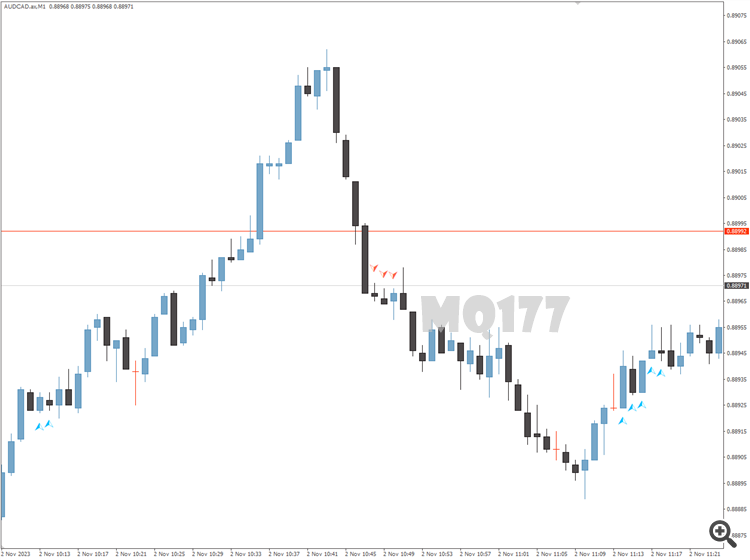
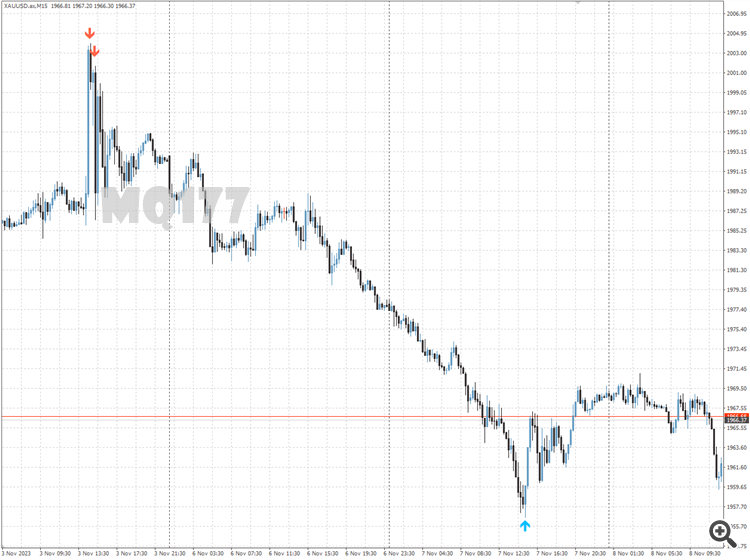
Superb Fractal Indicator suitable for MT4 use. [tags:title] helps to identify potential trading opportunities in different time frames. In addition Superb Fractal has been designed with ease of use in mind, providing a simple and intuitive interface suitable for both novice and experienced Forex traders.
Few improvements from standart fractal:
1. You can chouse size of fractal. Standart version use 2 as constant
2. It does not draw fractals against the trend, which makes your chart much more informative
How to Install the Superb Fractal Indicator in MetaTrader 4
- Unzip the downloaded Superb Fractal Indicator file.
- Open MetaTrader 4, go to the “File” menu, and select “Open Data Folder”.
- Navigate to the MQL4 folder, then open the Indicators folder.
- Paste the unzipped Superb Fractal Indicator files into the Indicators folder.
- Restart MetaTrader 4 or refresh the indicators list by right-clicking in the “Navigator” window and selecting “Refresh”.
- In MetaTrader 4, open the “Navigator” window (Ctrl+N) and find the Superb Fractal Indicator under the “Indicators” section.
- Drag and drop the Superb Fractal Indicator onto the chart of your choice.
- Adjust the indicator settings as needed and click “OK” to apply it to the chart.